Notes ·
Introducing LohnCC: chat and calls for organizations in Laos
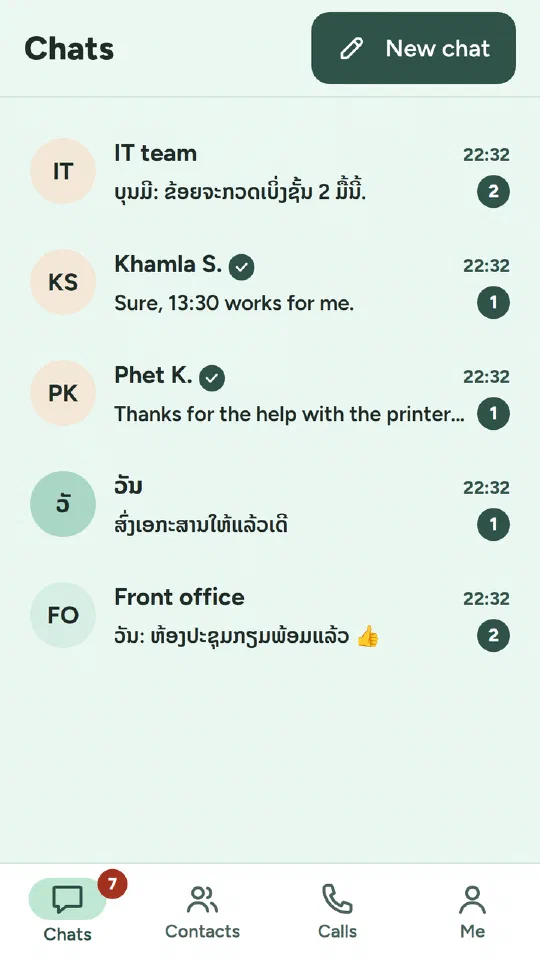
LohnCC is a new app I’m building for organizations in Laos: one place where staff chat, share photos and files, and call each other, in Lao and English. It runs on a server I manage, and nobody can join without an invitation. This post introduces it, shows what already works, and explains how I build it.
What LohnCC is for
LohnCC starts with what every organization uses all day: conversations. Staff chat one to one or in groups, send photos, files and voice messages, and call each other. Later steps add pages for organizations, teams and roles, attendance, timesheets and leave, and after that community, shop and everyday services.
A few choices shape everything else:
- Lao first. The app opens in Lao, with English one tap away.
- Invitation only. Every member has a personal invitation link. Whoever signs up with it waits until that member approves them, so every account is vouched for by someone.
- A web app you can install. It runs in the browser on phones and computers and can be added to the home screen. No app store is needed yet.
What works today
Since 3 and 4 October 2026, LohnCC has been running on a test server with these features:
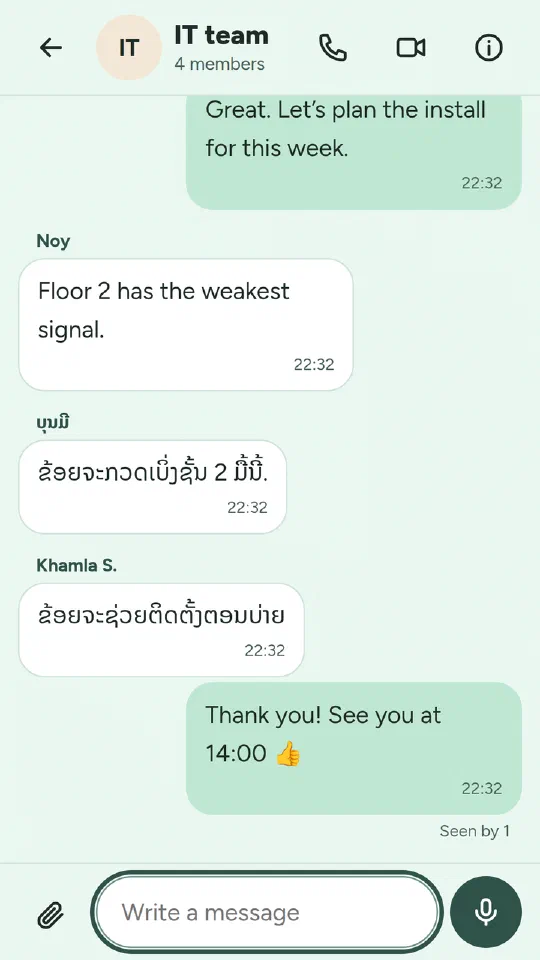
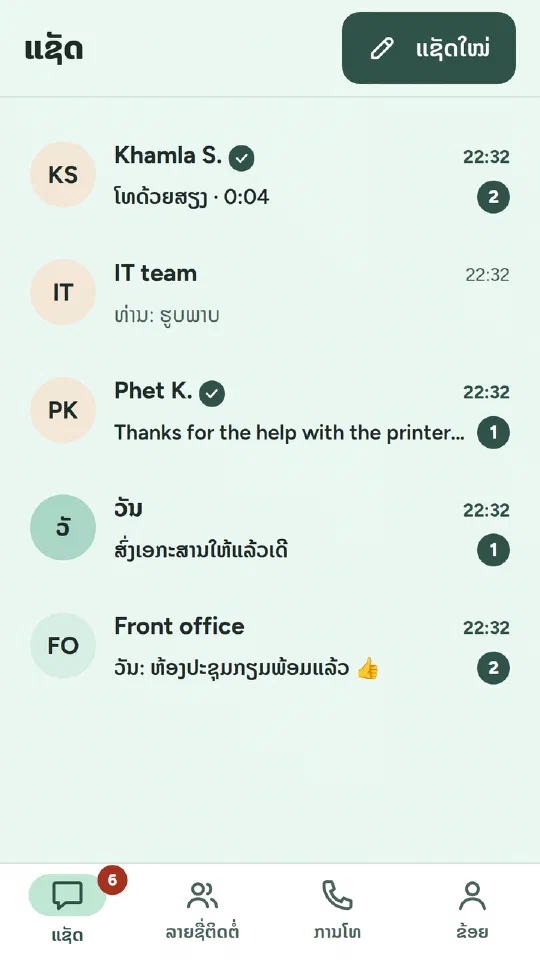
- Direct and group chats with live updates, read receipts, “typing…”, replies, editing and deleting.
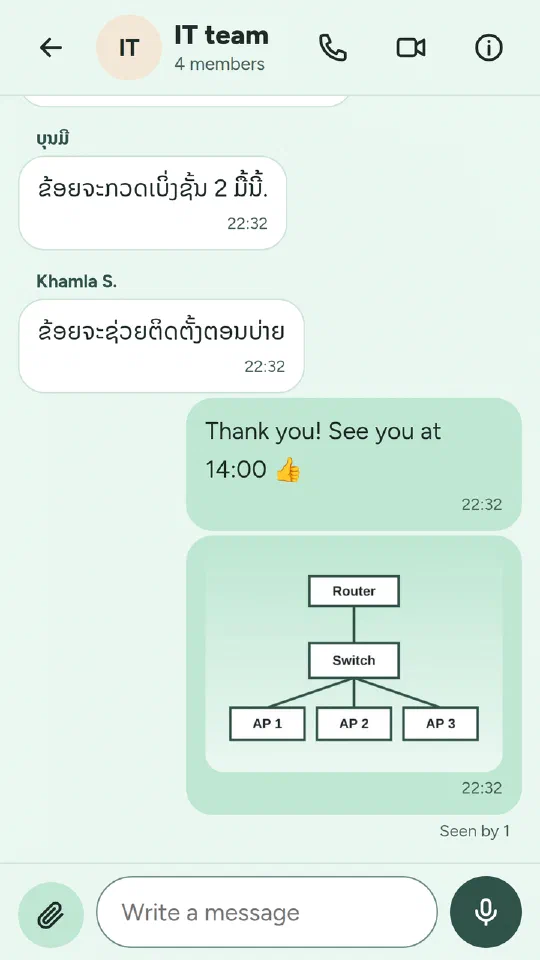
- Photos (up to 20 MB), files (up to 50 MB) and voice messages.
- Notifications on phones and computers, with a per-chat mute and a “name only” option for privacy.
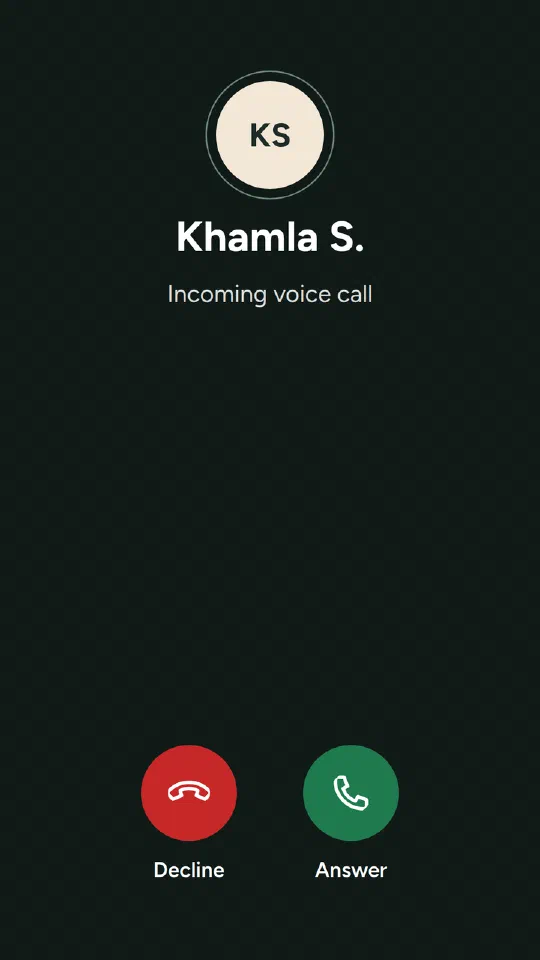
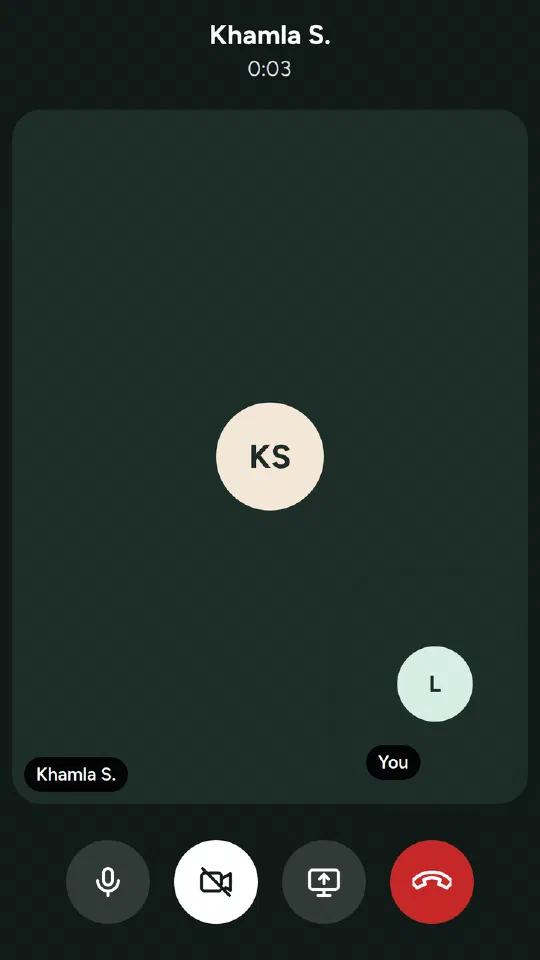
- Voice and video calls, one to one or in groups of up to five, with screen sharing on computers.
- An admin console: members, who invited whom, turning accounts off and on, and a security log.
Security and privacy from the start
- Two-step sign-in with an authenticator app and backup codes. It is required for my own account and optional for members.
- Passkeys: sign in with a fingerprint, face or screen lock instead of a password.
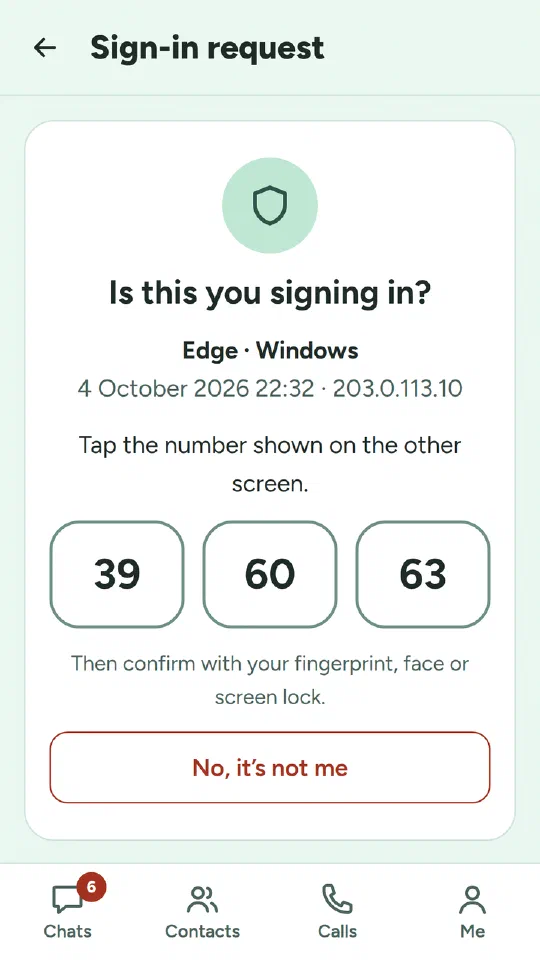
- Approve sign-ins on your phone. When you sign in on a computer, your phone asks “Is this you signing in?”. You tap the number shown on the computer and confirm with your fingerprint.
- Encrypted on the server. Message text and files are encrypted on the server. They are not end-to-end encrypted yet. That is planned for a later phase, and LohnCC won’t claim it before it exists.
- Identity checks (optional for now). A member can send a photo of a Lao ID card, passport or family book with a selfie taken live in the app. I check them by hand, and other members only see a “Verified” mark. The photos are deleted as soon as the check is decided.
How I build it
I build LohnCC with Claude Code, Anthropic’s AI coding assistant. The division of work is clear:
- I decide. Each feature starts with a short plan and the options that matter, for example how long an invitation stays valid or what happens when an ID expires. I choose, and the decisions are written into the project’s plan.
- Claude Code writes most of the code and the tests, in small steps. Each step is one pull request that I can read and review.
- Every change is tested automatically. The server code is tested against a real PostgreSQL database. A real browser signs in, chats, makes calls, uses virtual passkeys and a simulated camera. For the important rules, the code is broken on purpose to make sure a test fails.
- It goes to the test server by itself when the tests pass, and rolls back automatically if the new version doesn’t start.
- I test it on my own phone before I approve it. Nothing changes on the server and nothing is published without my OK.
In the first two days, 27 changes went through this process, including three automatic dependency updates. The AI makes one person much faster. It doesn’t remove the work of deciding what to build, checking what was built, and testing it on real phones.
The pieces are deliberately few, so that one person can run them: a Go API, a SvelteKit web app, PostgreSQL, and LiveKit for calls, in containers behind Caddy on a server in France.
What’s next
Before anyone outside testing uses LohnCC:
- sign-in with Microsoft accounts for companies;
- Terms of Service and a Privacy Policy, reviewed against Lao law;
- a security review;
- backups kept off the server;
- a native speaker’s review of the Lao text.
After that comes the next big block: pages for organizations, teams and roles, attendance, timesheets and leave.
Try it
LohnCC is in private testing. If your organization would like to try it, send me a message and I’ll send you an invitation.
Video transcript (the video has no sound): “LohnCC: chat and calls for organizations in Laos. Chat for your organization. Group chats in real time. Photos, files and voice messages. Voice and video calls. Approve sign-ins on your phone. In Lao and English. In private testing: ask for an invitation at www.lohn.cc.” Each line is also shown in Lao. The screens show example data.