Notes ·
Vangera Flow is live: requests and approvals that open with one click from LohnCC
Yesterday I wrote that LohnCC can now be the sign-in for Vangera’s own apps, and that no app used it yet because it needed a security review first. Today the first one went live: Vangera Flow, at flow.vangera.systems. It is an app for requests and approvals: buying something, a day off, an expense to pay back. It is a separate app with its own database, and LohnCC is how people get into it.
One click from LohnCC
Nobody needs a new account or password for Vangera Flow. An organization’s owner or admin asks for it on the organization’s Apps page in LohnCC. I approve each organization myself, while it is in private testing. Then they press Add, choose what Flow may read about the organization, and that’s all the setup.
After that, every member sees Vangera Flow on the organization’s page. One tap opens it, already signed in, without an “Allow” screen: the organization already decided. Flow needs two-step sign-in. A member who signed in to LohnCC with only a password confirms once, in LohnCC, with a code or a passkey.
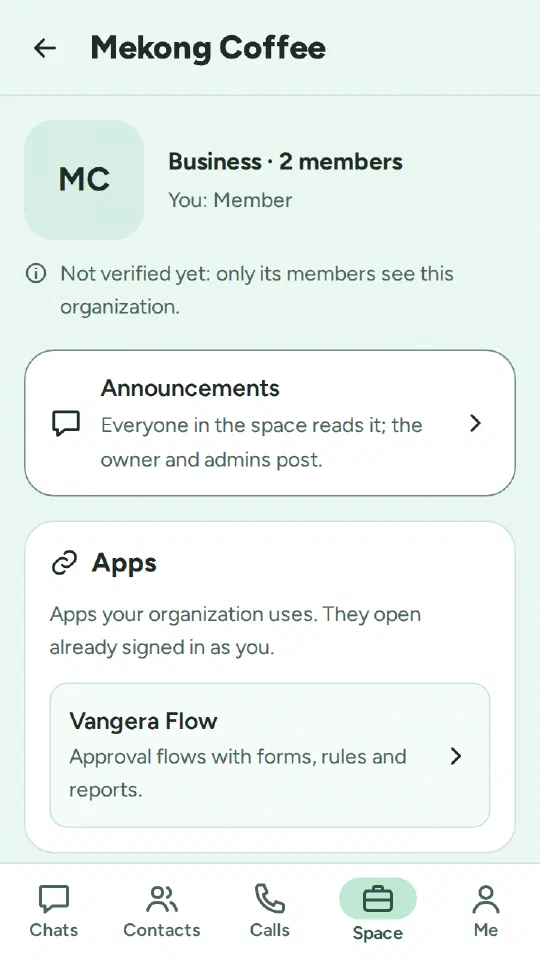
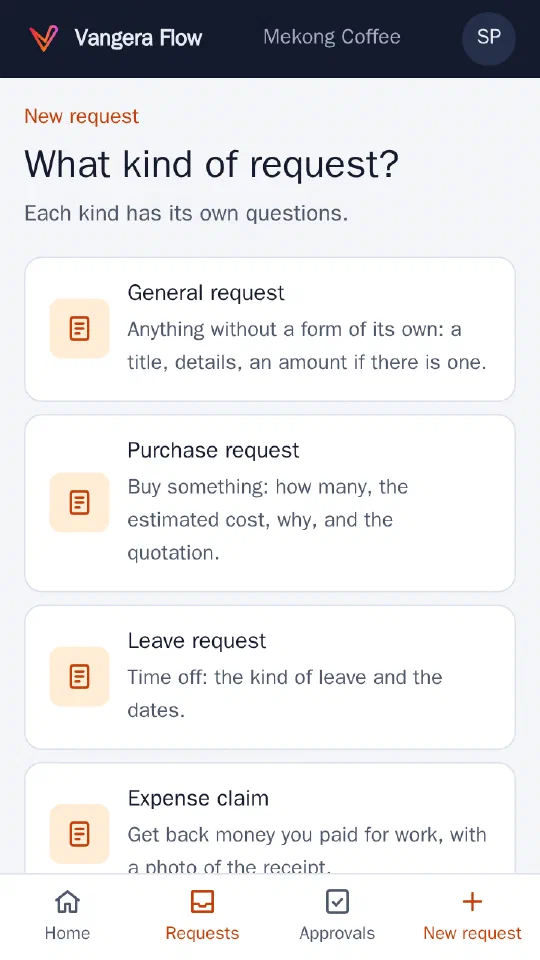
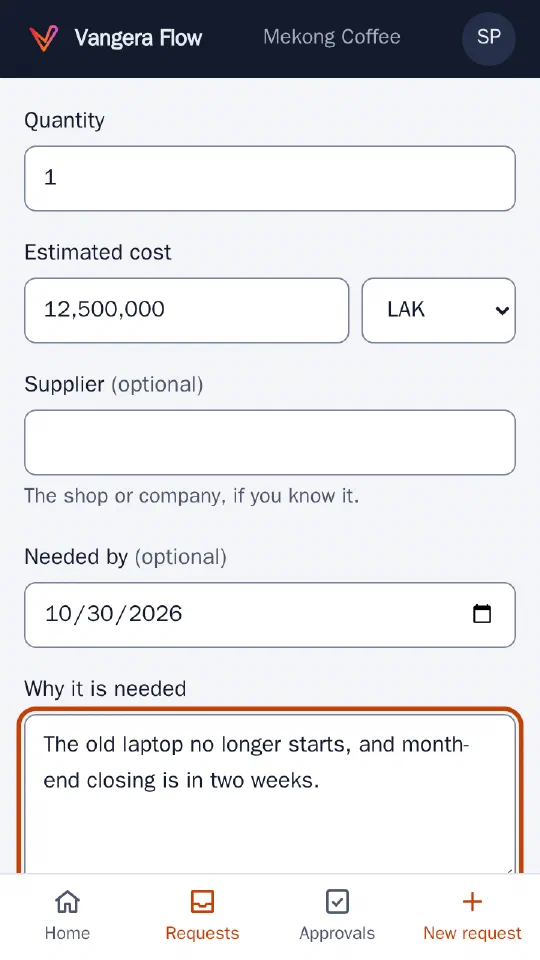
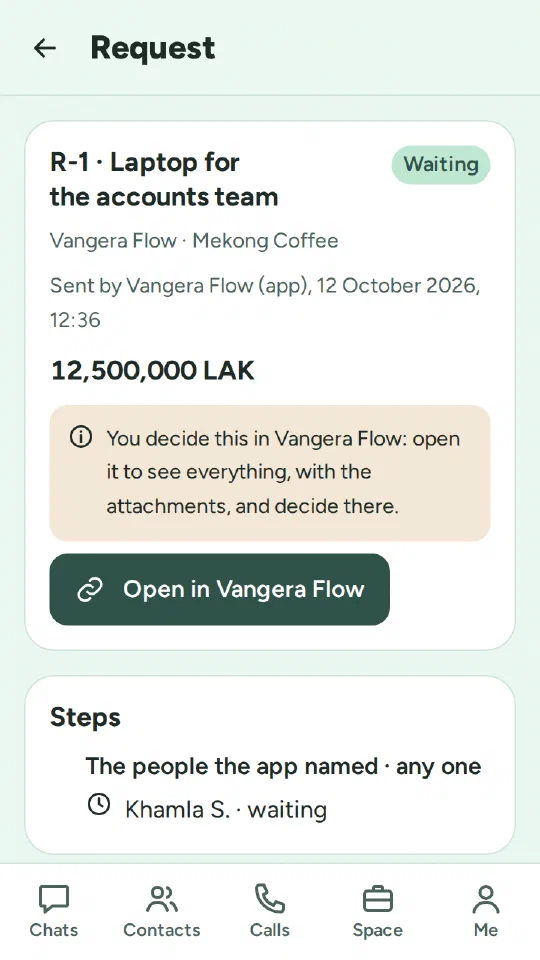
Requests and approvals on a phone
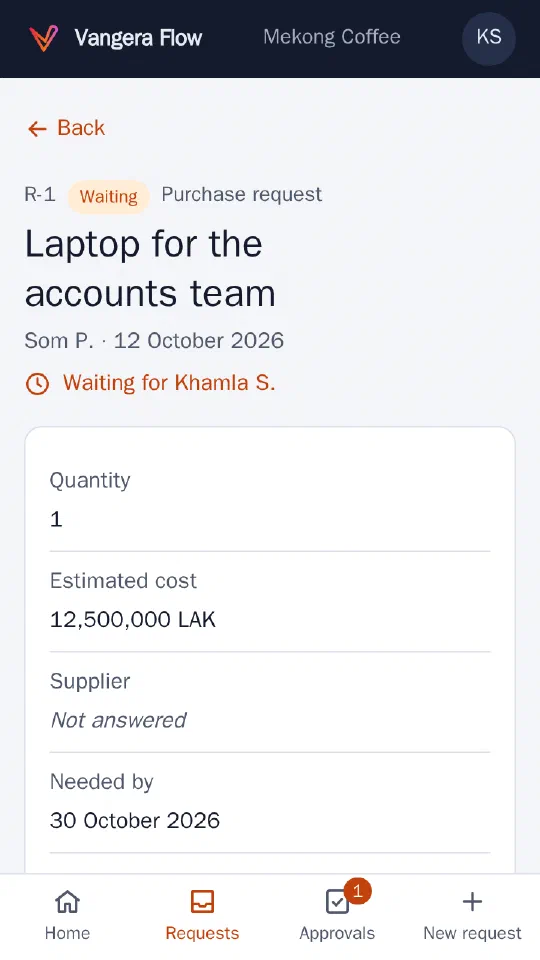
- Make a request. Choose what kind it is, answer its questions, and add photos or files. Take a photo opens the phone’s camera, for example for a quotation or a receipt. PDF, Word and Excel files work too. Each request can have up to 10 files of 10 MB each. Photos are redrawn, which removes the location stored in them.
- It goes to the right person. A request goes to the person the requester reports to in LohnCC. If nobody is set, it goes to the organization’s owner and admins. Nobody approves their own request.
- Decide. The approver can approve, not approve (with a reason), ask for more information, or hand the request to someone else. Asking for information sends it back to the requester. They answer, change the request or add a file, and send it on.
- LohnCC keeps everyone in the loop. The request appears in the approver’s Approvals in LohnCC. Its card says it is decided in Vangera Flow and opens the request there. The requester gets a notice in LohnCC when it is approved, not approved, or needs more information.
- Who sees it. The requester, the people it went to, and the organization’s owner and admins. Titles, details, answers, comments and files are stored encrypted on the server. Decided requests are kept for five years.
Request forms
Every organization starts with five kinds of request, ready to use:
- a General request: a title, details, and an amount if there is one;
- a Purchase request: how many, the estimated cost, why, and the quotation;
- a Leave request: the kind of leave and the dates;
- an Expense claim: what was paid, when, and a photo of the receipt;
- a Payment request: who to pay, how much, and the invoice.
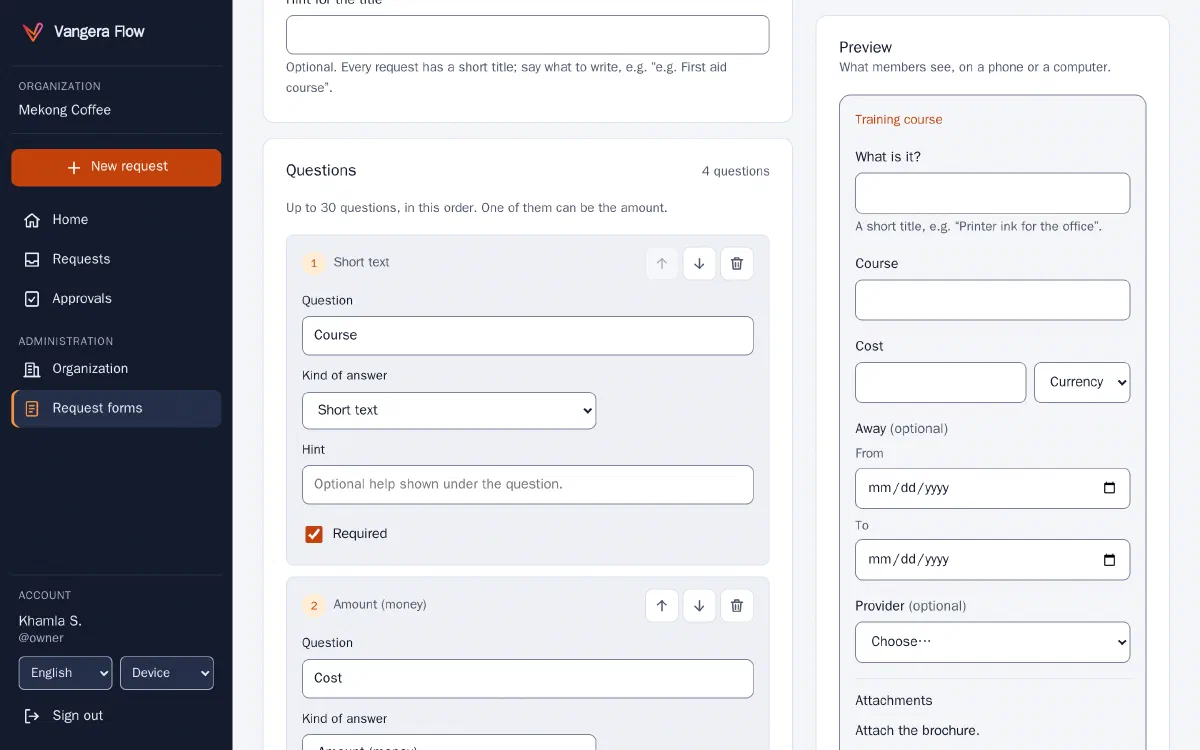
The owner and admins can switch any of them off, or copy one and change it. They can also build their own forms on a computer, with a preview beside it that shows what members will see. A question can be short or long text, a number, an amount of money, a date, from–to dates, a choice from a list, or yes/no. Any question can be required, and so can an attachment. When a form changes later, requests already sent keep the form they were made with.
The security review
Before letting real organizations in, I had the code reviewed for security: both LohnCC’s side of “Login with LohnCC” and Vangera Flow itself. I did the review with Claude, by reading the code; it was not an outside audit. It looked at how people sign in, how the apps’ keys and tokens are checked, who may see each request and file, and what the server accepts. It found no serious problems, and five small things to tighten. All five are fixed, each with a test that fails if the fix is removed.
How it was built
The process is the same as for LohnCC: I decide what to build and answer the questions that matter, Claude Code writes most of the code and the tests, and I approve each change. The questions I decided for Vangera Flow included:
- whether members should see an “Allow” screen when the organization already chose the app (no);
- who lets an organization use it (I do, while it is in testing);
- what happens on a phone and what needs a computer (requests and decisions on a phone; building forms on a computer);
- what happens to requests already sent when a form changes (they keep their form).
Besides the usual tests, a robot uses the app in a real browser at phone size: it makes a request, takes a “photo”, and has the manager decide. One of those runs found a real bug. Turning a tablet, or resizing a window across the phone/computer width, rebuilt the page and lost whatever was being typed. It was fixed before release.
What’s next
- Rules that decide where a request goes: by amount or answer, in stages, up the manager chain with approval limits, and to approval groups.
- Delegation while someone is away, time limits and reminders.
- History, reports and CSV export.
- In LohnCC: meeting rooms.
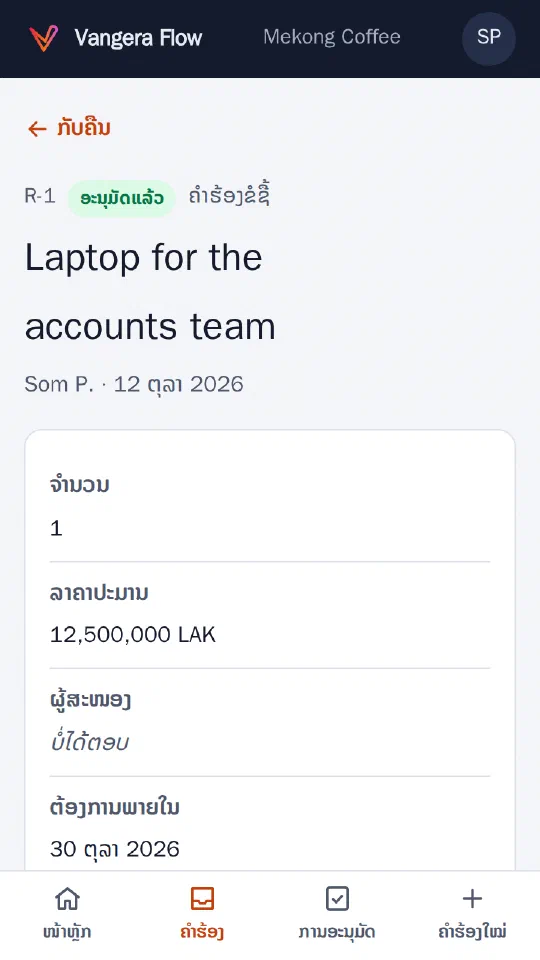
The new Lao text in Vangera Flow is still a draft waiting for a native speaker’s review.
Try it
LohnCC and Vangera Flow are in private testing. If your organization would like to try them, send me a message and I’ll send you an invitation.